
Set up your family's node at home
A mailbox for your loved ones, in your own home. Your family's messages are stored encrypted on a small device plugged in next to your router, without depending on anyone.
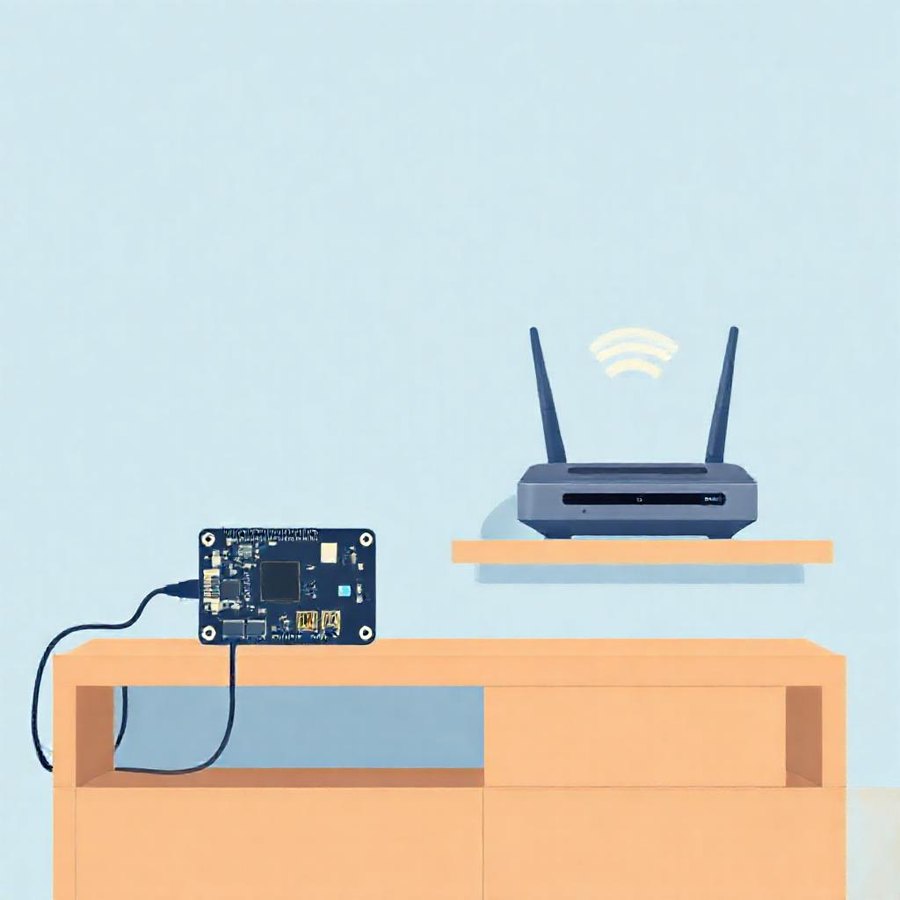
Note: it does NOT go INSIDE the router
A normal router doesn't run Ubuntu or a node (its USB port is only for file sharing). The node goes on a separate, small device plugged in NEXT TO the router and always on.
1. What you need (cheap and low-power)
A Raspberry Pi (a Pi 3, 4 or Zero 2, around €30-70) is ideal for a family: fanless, ~2-3 W, always on. An old PC or laptop, or a mini-PC, works too. The node needs very little: 1 CPU and ~256 MB, so any of these handles it easily.
2. Install the system
Install Ubuntu (or Raspberry Pi OS) on the Raspberry or PC. Python 3 comes preinstalled; nothing else is needed.
3. Install the node (a single file)
Copy the node and set it up as a service so it starts on its own:
sudo mkdir -p /opt/llnode && sudo cp llnode.py /opt/llnode/
python3 /opt/llnode/llnode.py 8770 /opt/llnode/data   # imprime el adminSecret
# servicio systemd (Restart=always) -> ver la guía técnica
sudo systemctl enable --now llnode
curl http://127.0.0.1:8770/health
4. Make it reachable from outside
Your home connection is behind the router and sometimes without a public IP. Two ways to give it a public address:
A) With a public IP: open port 8770 on the router (port forwarding) to the Raspberry and use a DDNS for a fixed domain. Free.
B) The easy way (recommended): a free tunnel that runs on the Raspberry itself and gives it a stable public URL: Cloudflare Tunnel or ngrok. You don't touch the router.
Privacy: you provide the mailbox, you read nothing
Everything the node stores is end-to-end encrypted. Not even you, as host of your family's node, can read the messages: you only provide the mailbox where the sealed envelopes are kept.